Saved Signals Dashboard
Saved Signals is the control panel for every signal you've created - view, edit, configure, and deploy from one place.
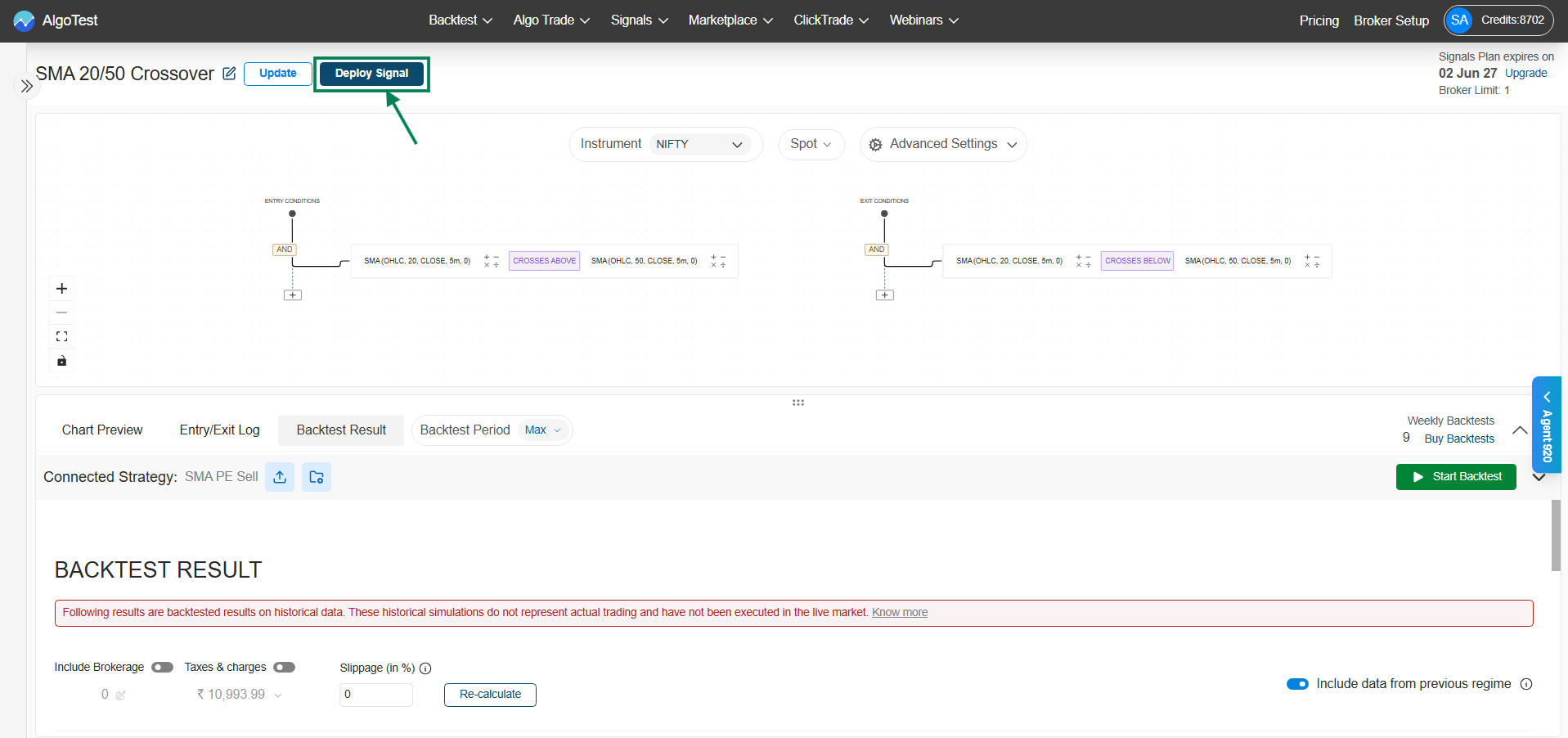
Navigation: Signal → Signal Dashboard → Signals AI → Saved Signals. (Clicking Deploy after saving a strategy takes you here directly.)
What you'll see
- Strategy list - each saved signal with its name and underlying (e.g., NIFTY . Spot). A watchlist strategy shows the watchlist name instead - hover over it to see its instruments.
- Status - e.g., Setup Pending (execution settings not configured yet) or Ready to Deploy
- Connected strategy - the linked trade configuration (e.g., "SMA PE Sell"), with quick access to edit it
- Instances - how many deployments of this signal are currently running (e.g., "0 Deployed")
Actions per strategy
| Action | What it does |
|---|---|
| View / Delete | Modify the signal logic, or remove the strategy |
| Setup Execution | Configure execution settings - required before live deployment |
| Forward Test | Deploy as a paper trade on live data, no real money |
| Algo Trade | Deploy for live execution via your broker |
You can also create a new signal (Create New AI Signal) and search/filter your list from here.
Typical flow
- Save a signal
- Set up execution settings → status changes to Ready to Deploy
- Forward test it for a few days
- Go live