Signal Limits (Advanced Settings)
The Advanced Settings on the Canvas control how many signals your strategy can generate. Without limits, a condition that flips true repeatedly can open many positions in quick succession - these two settings keep that in check.
Max Concurrent Signals
How many positions can be open at the same time.
- Set to 1: no new entry is taken until the previous position has exited. Most strategies want this.
- Set to Unlimited: a new entry fires every time the condition becomes true, even while earlier positions are still open.
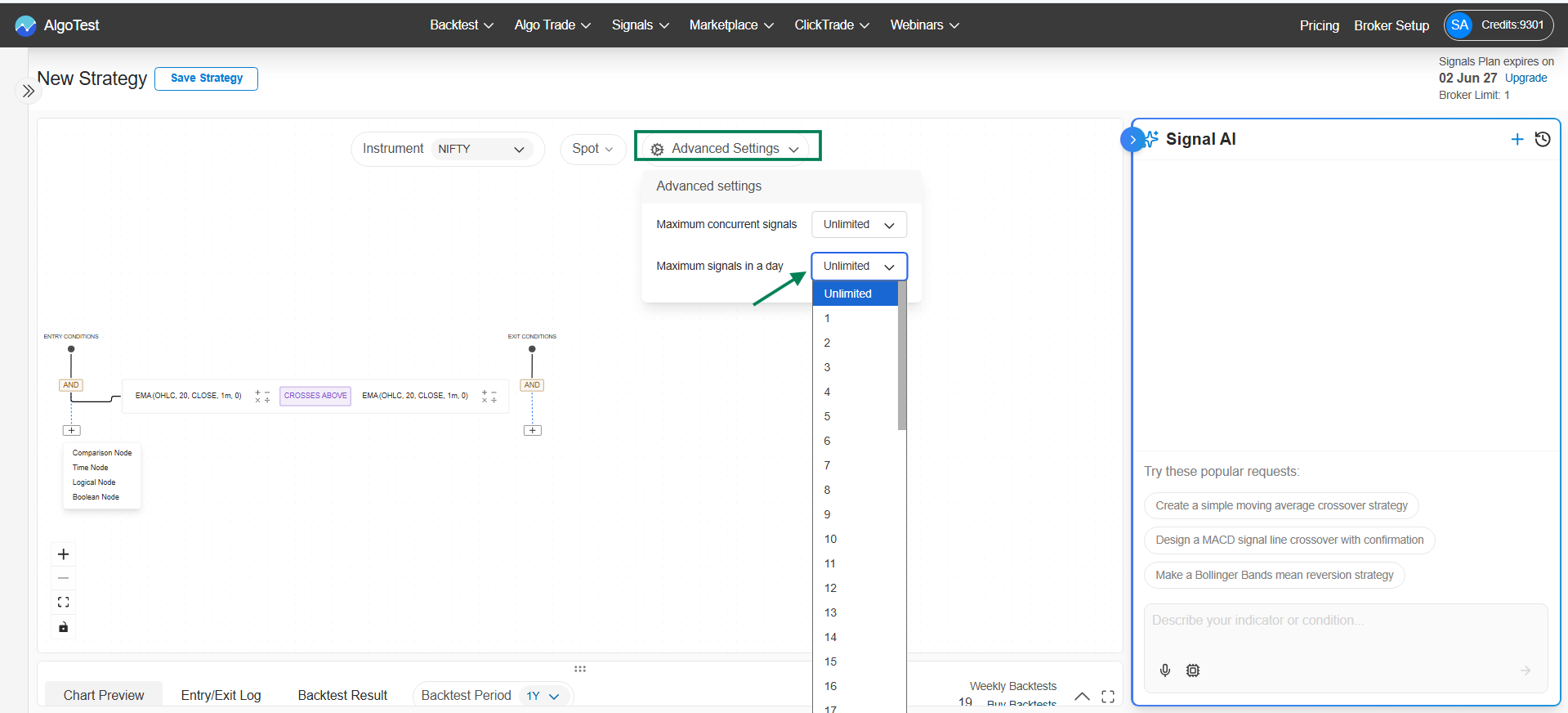
Max Signals in a Day
How many entries can be taken per day, regardless of exits.
- Set to 1: after the first entry of the day, the strategy takes no more entries until the next day - even if the condition becomes true again.
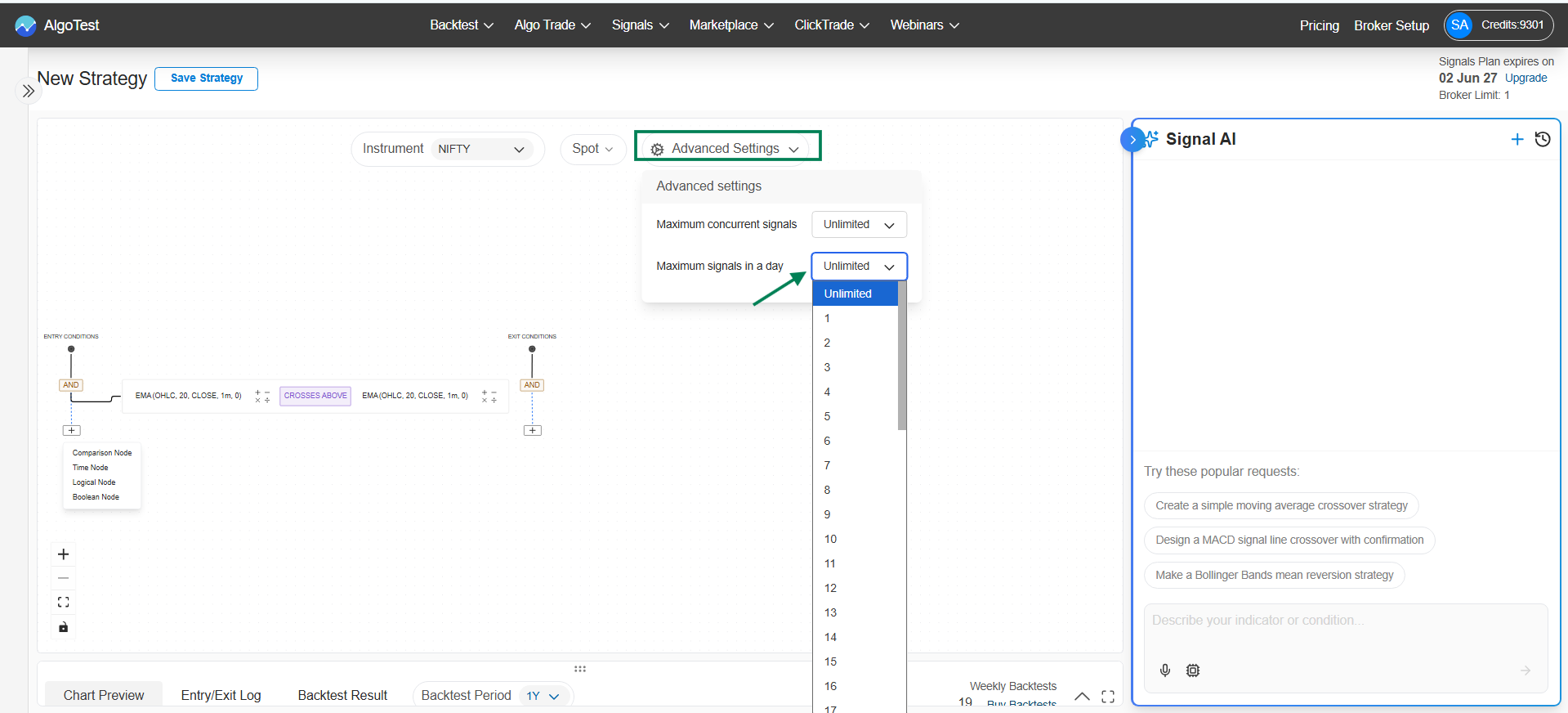
How the two work together
Both limits apply at once. Example: Max Concurrent = 1, Max per Day = 3 means at most one open position at a time, and at most three entries across the whole day.
| Scenario | Concurrent = 1, Per Day = 1 | Concurrent = 1, Per Day = 3 | Unlimited / Unlimited |
|---|---|---|---|
| Condition fires 5 times in a day | 1 trade | Up to 3 trades, one at a time | 5 trades, possibly overlapping |
Using a watchlist?
On a watchlist strategy, Max Concurrent Signals counts per underlying, while Max Signals in a Day counts across the whole watchlist.