Entry & Exit Logs
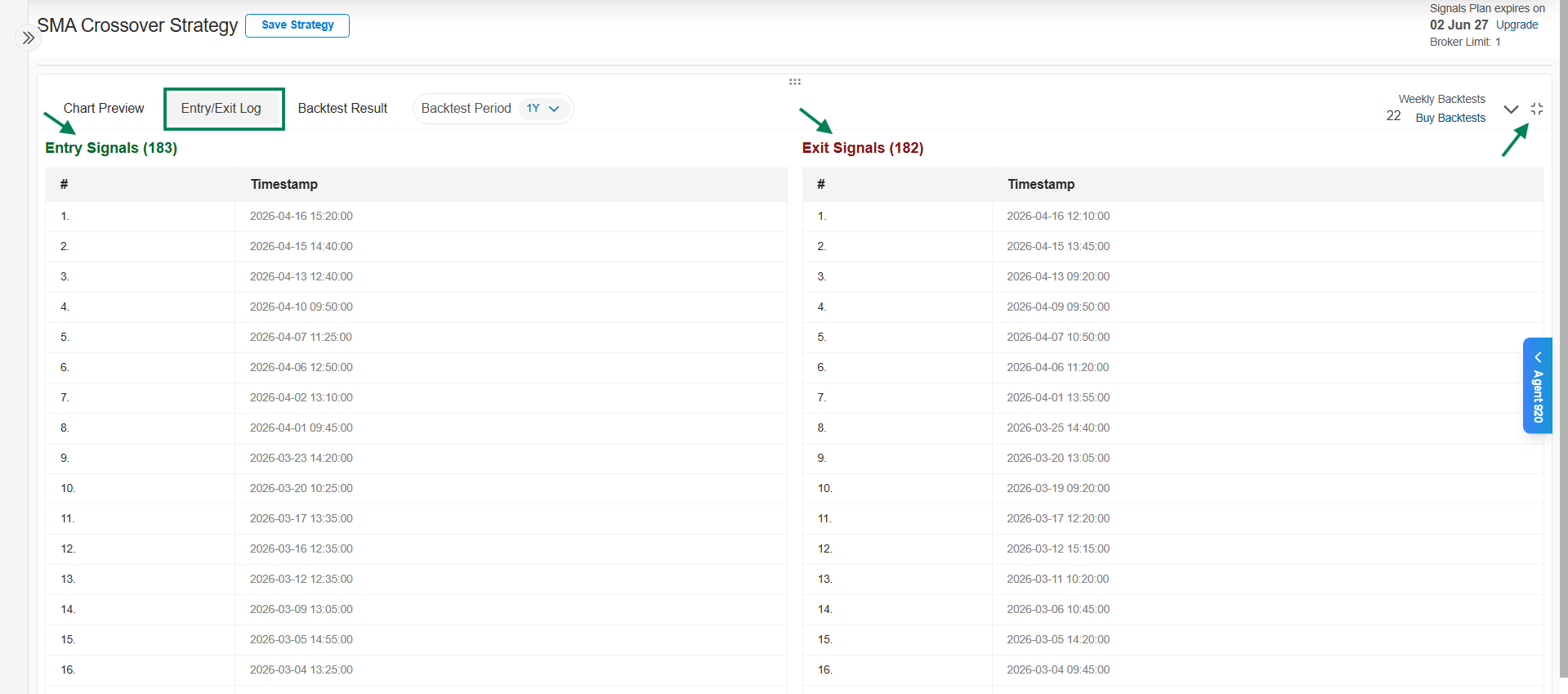
The Logs tab lists every signal your strategy generated, with exact timestamps. Where the Chart Preview shows signals visually, the logs give you the precise record.
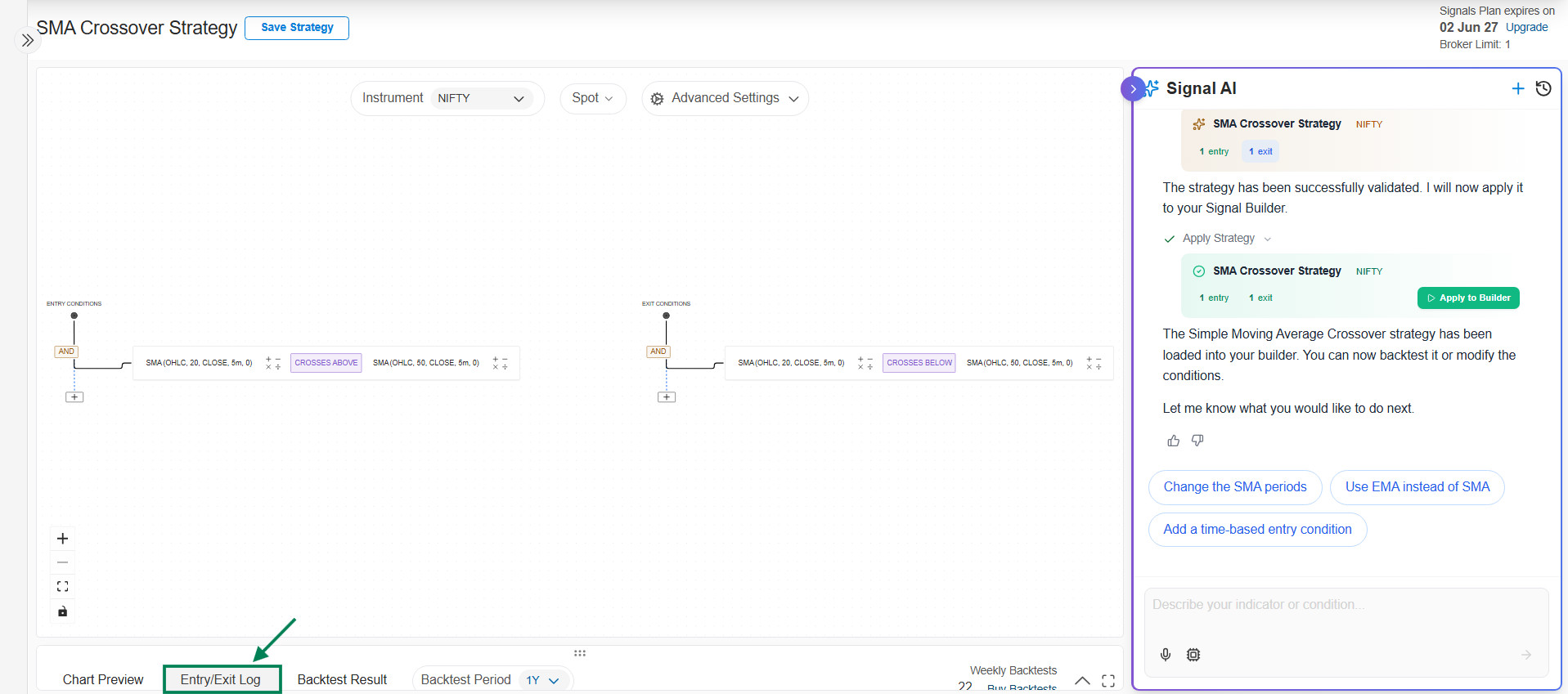
- Entry Logs - every timestamp where the entry conditions became true and a trade would have been initiated.
- Exit Logs - every timestamp where a position would have been closed.
On a watchlist strategy, use the Underlying dropdown to see signals for all underlyings together or for one at a time.
What to check
- Signal frequency - too many signals per day usually means a condition is too loose (or you need signal limits).
- Trigger times - match a few timestamps against the chart to confirm the conditions held at those moments.
- Entry/exit pairing - confirm each entry has a corresponding exit where you expect one.
When the logs look right, connect a trade and backtest.