How to Use RA Algo Signals
RA Algos are ready-made strategies created by SEBI-registered Research Analysts (RAs). You can backtest them, review their performance, and deploy them directly through your linked broker account on AlgoTest.
We are taking an example algo to explain the flow.
Step 1: Navigate to the RA Algos Section
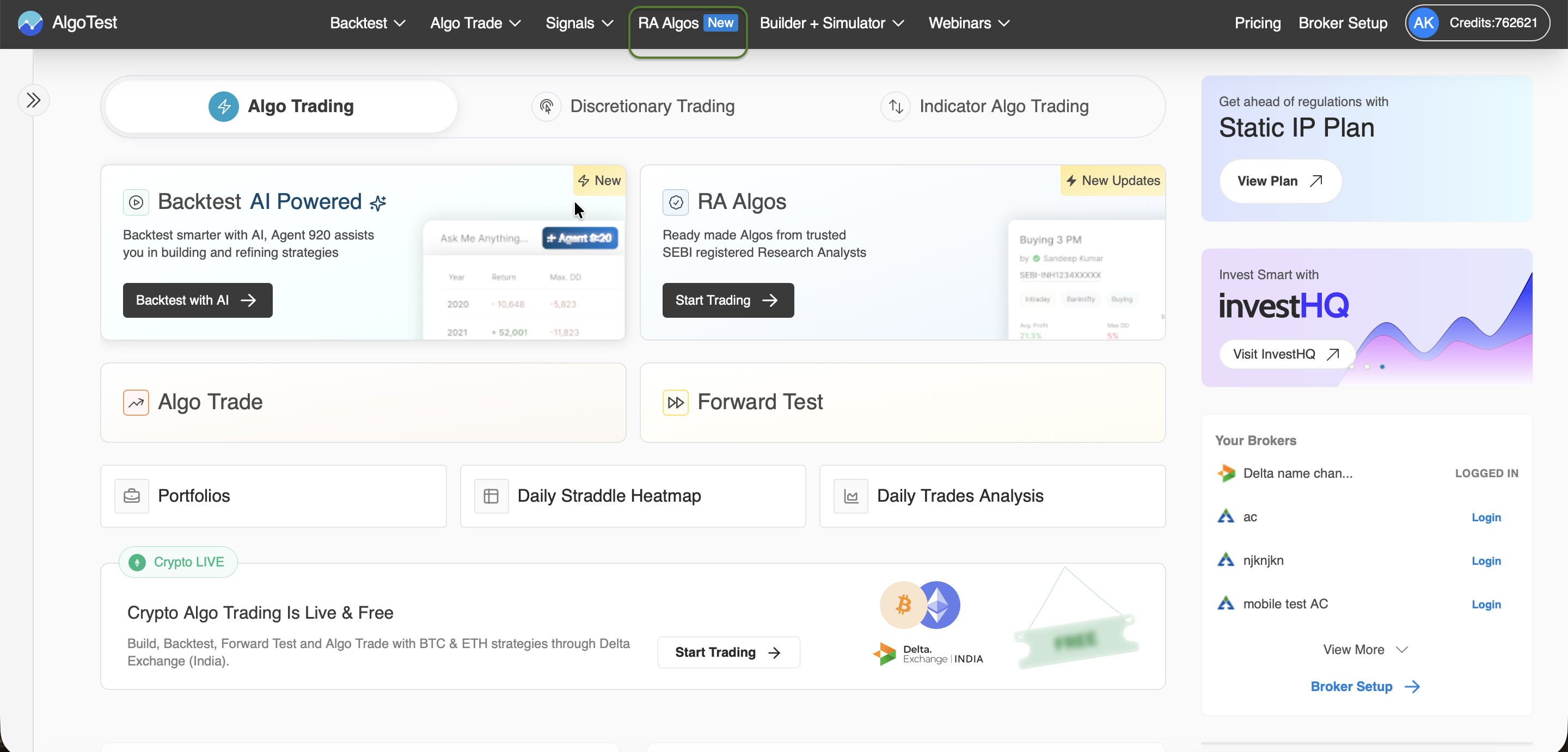
- Log in to your AlgoTest account.
- From the top navigation bar, click on RA Algos.
- You’ll see a list of verified algo strategies shared by SEBI-registered Research Analysts.
You can filter algos based on:
- Algo Type – Buying or Selling
- Underlying – NIFTY, BANKNIFTY, FINNIFTY, etc.
- Deployment Days – Weekdays or All Days
- Margin Required – Minimum to maximum capital needed
⚠️ Note: The displayed results are based on historical backtest data and not live trades.
Step 2: View Algo Details
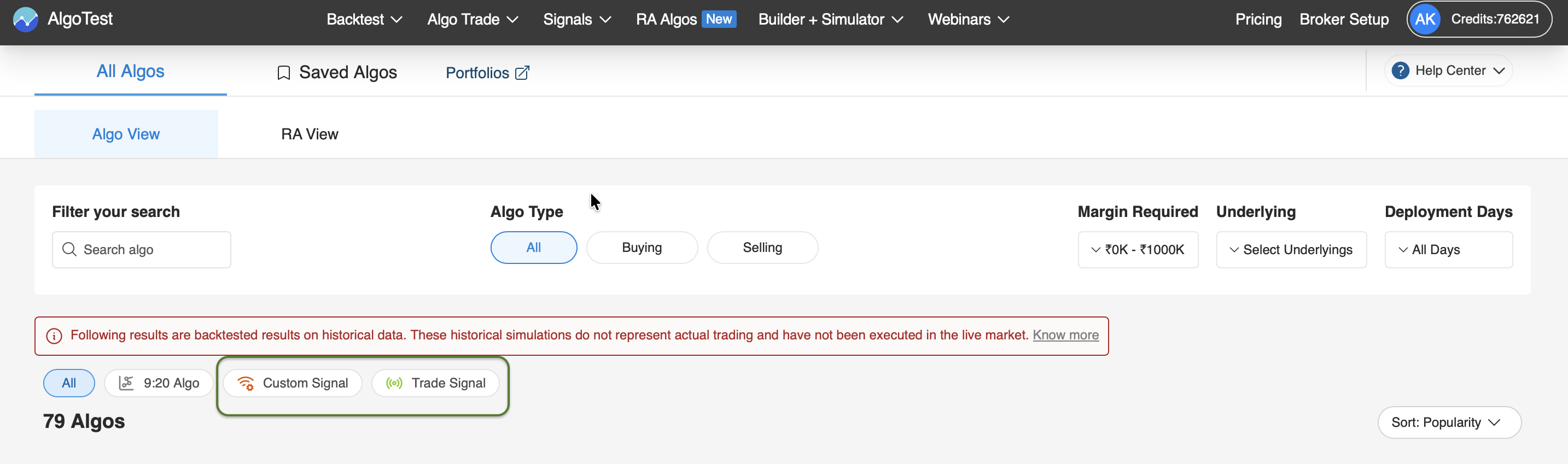
Click on any algo card to view more information such as:
- Strategy name and author
- Type: Positional / Intraday, Buy / Sell
- Required margin amount
- Historical performance metrics
- Trade log summary
This helps you understand how the algo performed in backtests before deploying it live.
Step 3: Review Backtest Summary
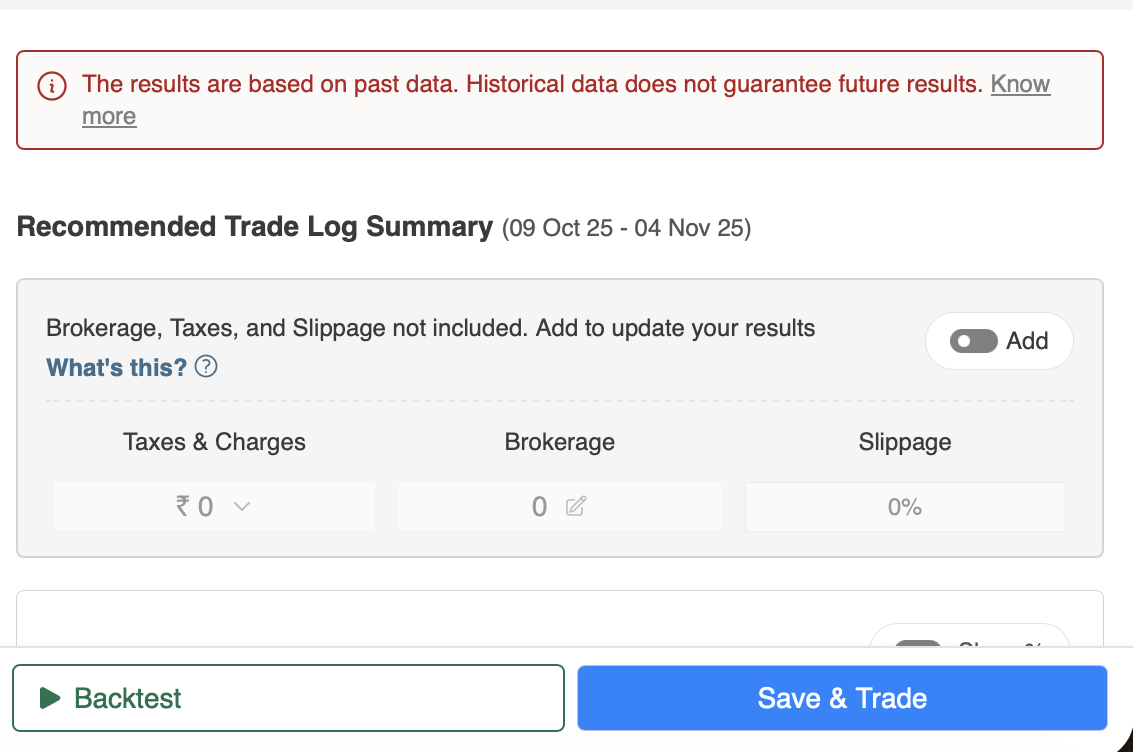
Each algo includes a Recommended Trade Log Summary based on past performance.
Here, you can:
- View historical profit/loss and drawdowns
- Add brokerage, slippage, or taxes for more realistic performance metrics
- Understand the recommended deployment configuration
Disclaimer: Historical results do not guarantee future performance.
Step 4: Unlock or Save the Algo
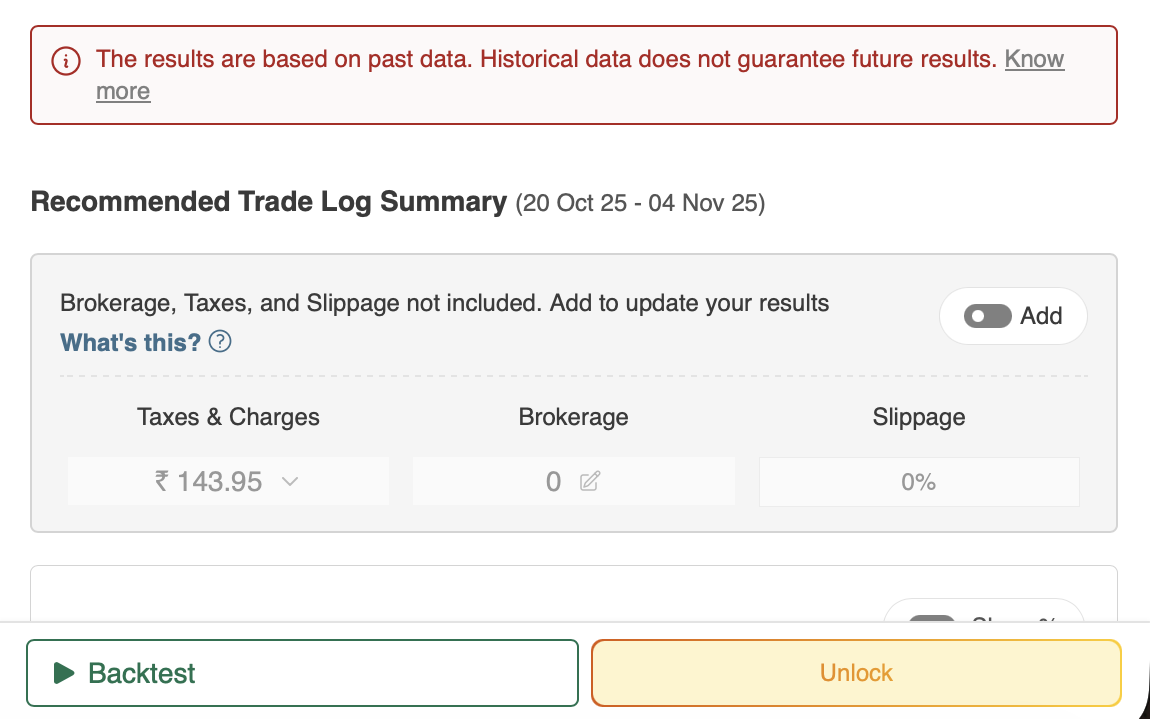
To access full algo results or trading signals:
- Click Unlock to activate or purchase access.
- Or click Save & Trade to add it to your portfolio for later deployment.
Premium algos often include more detailed metrics and real-time signal access.
Step 5: Complete Your KYC (If Required)
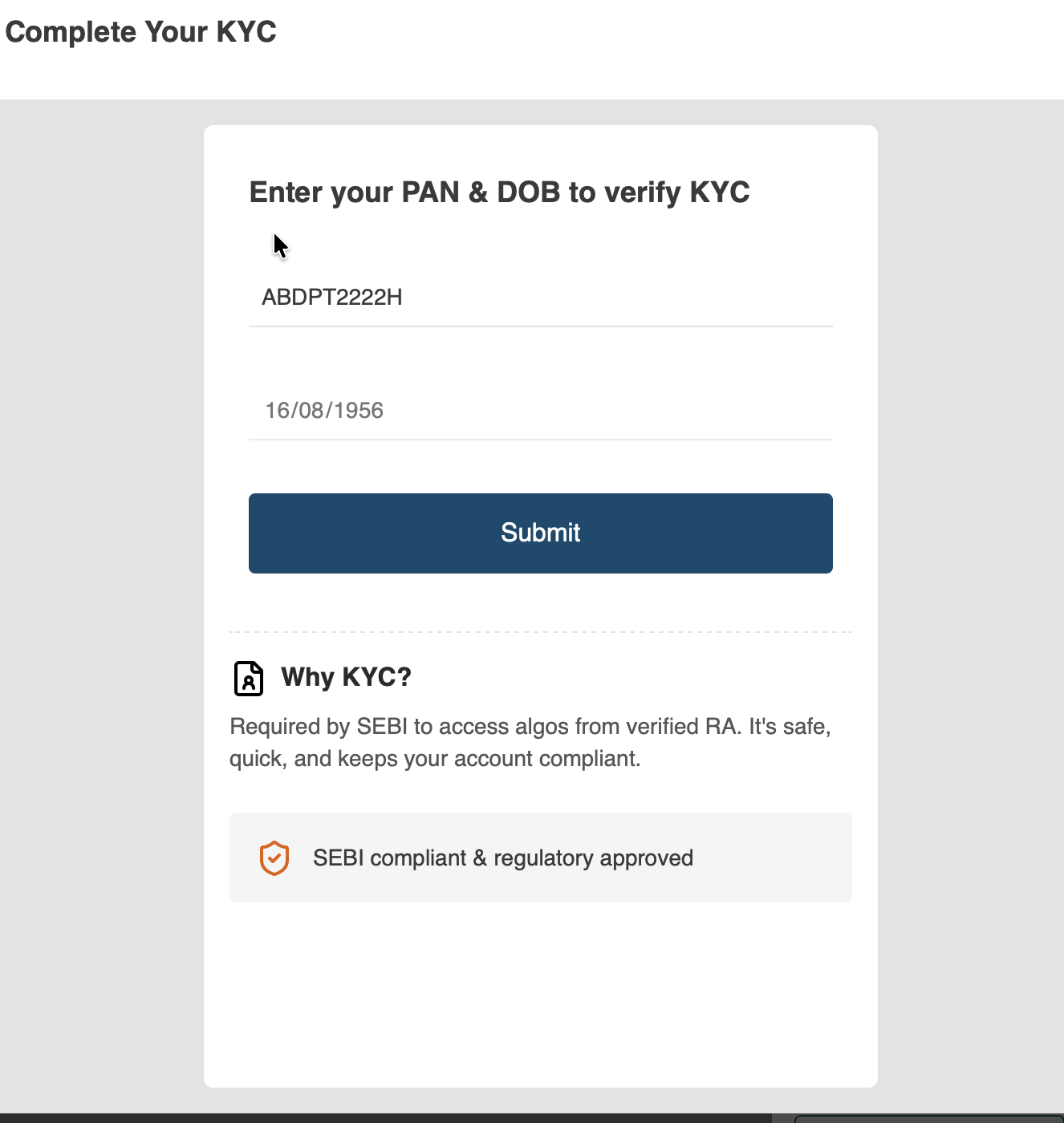
If you see a KYC Rejected tag on any algo, you’ll need to verify your SEBI compliance.
To complete your KYC:
- Enter your PAN and Date of Birth.
- Click Submit to verify.
- Once verified, you’ll have access to all SEBI-approved RA Algos.
Why KYC?
Required by SEBI to access algos from registered Research Analysts.
It ensures safe access, compliance, and a trusted trading environment.
Step 6: Start Trading
Once your KYC is verified, you can:
- Backtest, Forward Test, or Algo Trade the RA strategies
- Deploy them directly to your linked broker account
- Track performance via your AlgoTest dashboard
You’re now ready to trade verified RA Algos on AlgoTest!